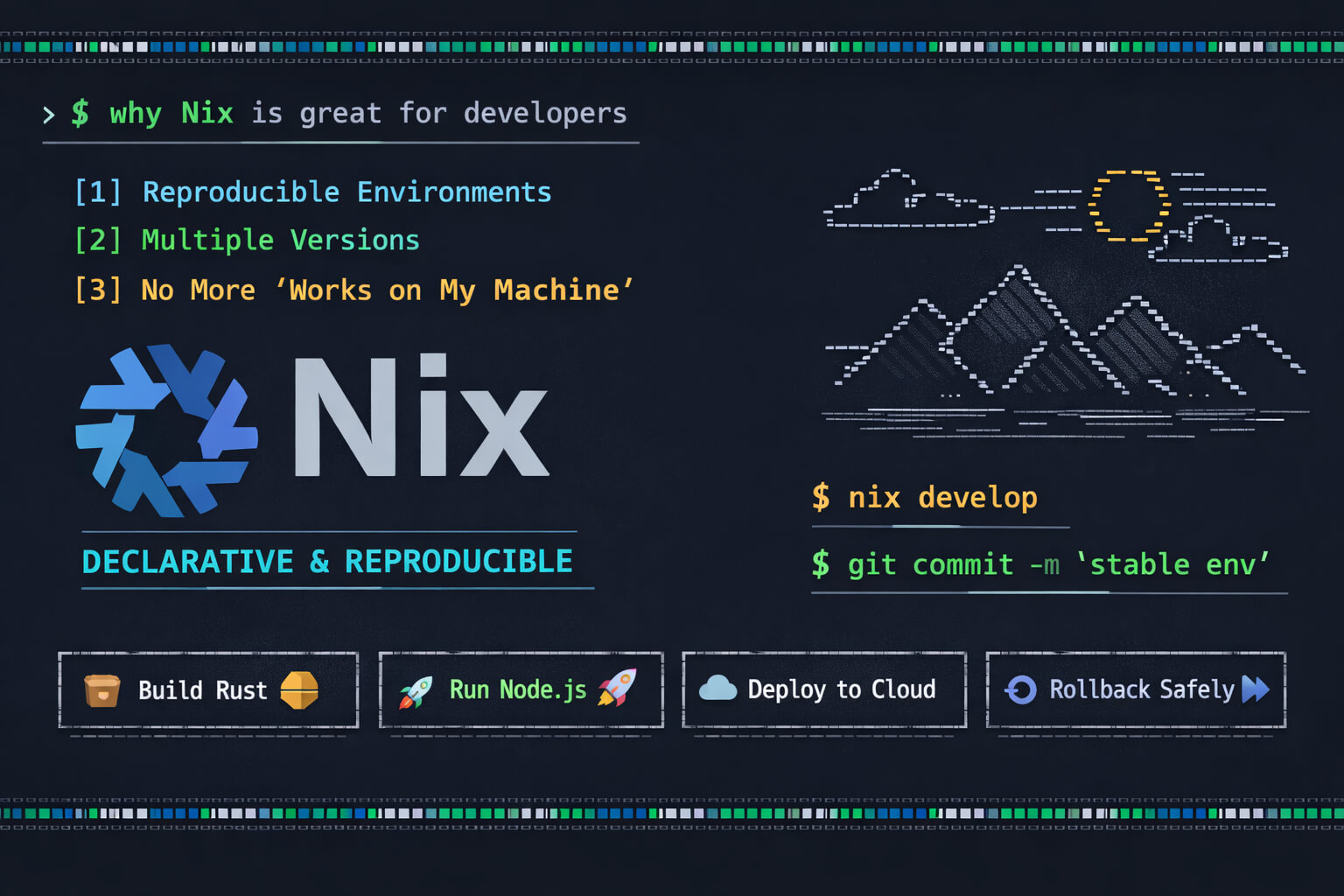
Unlike traditional package managers such as apt or yum, Nix treats packages as immutable derivations stored in /nix/store, enabling rollback and safe coexistence between multiple versions.
Each Nix package is built from a deterministic description (a derivation), which allows environments to be reproduced exactly the same way on any machine.
This approach solves classic modern development problems: version conflicts, “works on my machine” issues, inconsistent environments across team members, and fragile CI pipelines. With Nix, you can declare all project dependencies, such as compilers, runtimes, build tools, and cloud CLIs. Ensuring everyone uses exactly the same set of versions, locked and versioned in Git.
Additionally, Nix allows you to:
- Install multiple versions of the same tool without conflicts
- Create isolated environments without containers
- Roll back changes safely
- Use the same model for development and CI
For developers, this means spending less time fixing environment issues and more time writing code. Nix turns the development environment into part of the source code itself, predictable, versioned, and reproducible. Essential characteristics for modern systems and distributed teams.
This article covers:
- The different ways to install packages with Nix
- The differences between imperative and declarative approaches
- The advantages and disadvantages of each model
- How to use Nix Flakes outside NixOS and without root permissions
1. Ways to Install Packages with Nix
1.1 nix-env (Legacy, Imperative Mode)
Example:
nix-env -iA nixpkgs.htop
Characteristics
- Installs into the user profile (
~/.nix-profile) - Imperative (modifies the current environment state)
- Old interface
Advantages
- Simple
- Quick for immediate use
Disadvantages
- Not declarative
- Low reproducibility
- Considered legacy
- Limited integration with flakes
It is not recommended for new environments.
1.2 nix profile install (Modern CLI)
Example:
nix profile install nixpkgs#htop
Characteristics
- Replaces
nix-env - Part of the new CLI (
nix-command) - Compatible with flakes
- Still imperative
Advantages
- Modern interface
- Better integration with flake registry
- More consistent profile management
Disadvantages
- Still imperative
- Does not guarantee reproducibility across machines
Recommended for permanently installing personal tools.
1.3 nix shell (Temporary Environment)
Example:
nix shell nixpkgs#nodejs
Characteristics
- Temporary environment
- No permanent installation
- Does not modify system state
Advantages
- Ideal for quick tests
- Does not pollute the user profile
- Useful in scripts and pipelines
Disadvantages
- Not persistent
- Without flakes, depends on local channel state
1.4 shell.nix (Declarative Project Environment)
Example:
{ pkgs ? import <nixpkgs> {} }:
pkgs.mkShell {
  buildInputs = [
    pkgs.nodejs
    pkgs.rustc
  ];
}
Enter the environment:
nix-shell
Characteristics
- Declarative
- Versionable via Git
- Channel-based
Advantages
- Reproducible within the project
- Easy to share
Disadvantages
- Depends on
<nixpkgs>channel - May vary across machines
This was the most common model before flakes.
1.5 Flakes (flake.nix) - Modern Model
Example:
{
  description = "Dev environment";

  inputs.nixpkgs.url = "github:NixOS/nixpkgs/nixos-unstable";

  outputs = { self, nixpkgs }:
  let
    system = "x86_64-linux";
    pkgs = import nixpkgs { inherit system; };
  in {
    devShells.${system}.default = pkgs.mkShell {
      buildInputs = [
        pkgs.rustc
        pkgs.cargo
      ];
    };
  };
}
Enter the environment:
nix develop
Characteristics
- Declarative
- Has a lockfile (
flake.lock) - Fully versionable
- Independent from global channels
Advantages
- Strong reproducibility
- Explicit control over nixpkgs version
- Ideal for teams and CI
Disadvantages
- Higher learning curve
- More structured syntax
- Still officially marked as experimental (though widely adopted)
1.6 NixOS (System Configuration)
In /etc/nixos/configuration.nix:
environment.systemPackages = with pkgs; [
  vim
  git
  htop
];
Apply changes:
sudo nixos-rebuild switch
Characteristics
- Declarative
- Entire system managed via Nix
- Full rollback capability
Advantages
- Complete reproducibility
- System-level versioning
- Excellent for servers
Disadvantages
- Works only on NixOS
- Significant paradigm shift
2. Summary Comparison
| Method | Declarative | Persistent | Reproducible | Typical Use |
|---|---|---|---|---|
| nix-env | No | Yes | No | Legacy |
| nix profile | No | Yes | No | Personal tools |
| nix shell | No | No | Partial | Quick testing |
| shell.nix | Yes | No | Medium | Traditional projects |
| Flakes | Yes | Optional | High | Modern projects |
| NixOS configuration | Yes | Yes | Very High | Entire system management |
3. Using Nix Flakes Outside NixOS and Without Root
One of Nix’s greatest strengths is that it can be used without administrative privileges.
3.1 Single-User Installation
Single-user mode does not require root:
sh <(curl -L https://nixos.org/nix/install) --no-daemon
Typical installation paths:
~/.nix-profile~/.nix-defexpr/nix/store(created during installation)
3.2 Enabling Flakes
Edit:
~/.config/nix/nix.conf
Add:
experimental-features = nix-command flakes
3.3 Creating a Flake-Based Project
Structure:
my-project/
 ├── flake.nix
Example:
{
  description = "Dev environment";

  inputs.nixpkgs.url = "github:NixOS/nixpkgs/nixos-unstable";

  outputs = { self, nixpkgs }:
  let
    system = "x86_64-linux";
    pkgs = import nixpkgs { inherit system; };
  in {
    devShells.${system}.default = pkgs.mkShell {
      buildInputs = [
        pkgs.git
        pkgs.nodejs
        pkgs.rustc
        pkgs.cargo
      ];
    };
  };
}
Enter the environment:
nix develop
On first execution, Nix will create:
flake.lock
This lockfile pins the exact nixpkgs version, ensuring full reproducibility.
3.4 Running Packages Without Installing
nix run nixpkgs#htop
No permanent installation occurs.
4. Advantages of Using Nix Without Root
- Does not modify
/usr/bin - Works in restricted corporate environments
- Ideal for CI pipelines
- Can coexist with apt/yum
- Does not require Docker for tool isolation
- Explicit dependency versioning
5. Limitations in This Model
- Does not manage system services
- Does not replace systemd
- Does not install global system packages
- First-time downloads may be heavy
6. When to Use Each Approach
Use nix profile when:
- You need permanent tools in your user profile
Use nix shell when:
- You want to test something quickly
Use Flakes when:
- You need reproducibility
- You work in a team
- You want to version your development environment
- You want reliable CI integration
Use NixOS when:
- You want to declare your entire system as code
Conclusion
Nix provides multiple levels of control, from simple imperative installations to fully declarative and reproducible environments.
For modern development, especially in multi-language environments or when exact toolchain control is required (Rust, Java, Node, cloud tooling), Flakes represent the most robust model.
Even outside NixOS and without root permissions, it is possible to achieve:
- Strong isolation
- Full reproducibility
- Explicit versioning
- Git-shareable environments
This makes Nix an extremely powerful alternative to containers for development and continuous integration workflows.
That’s all folks!
Artus